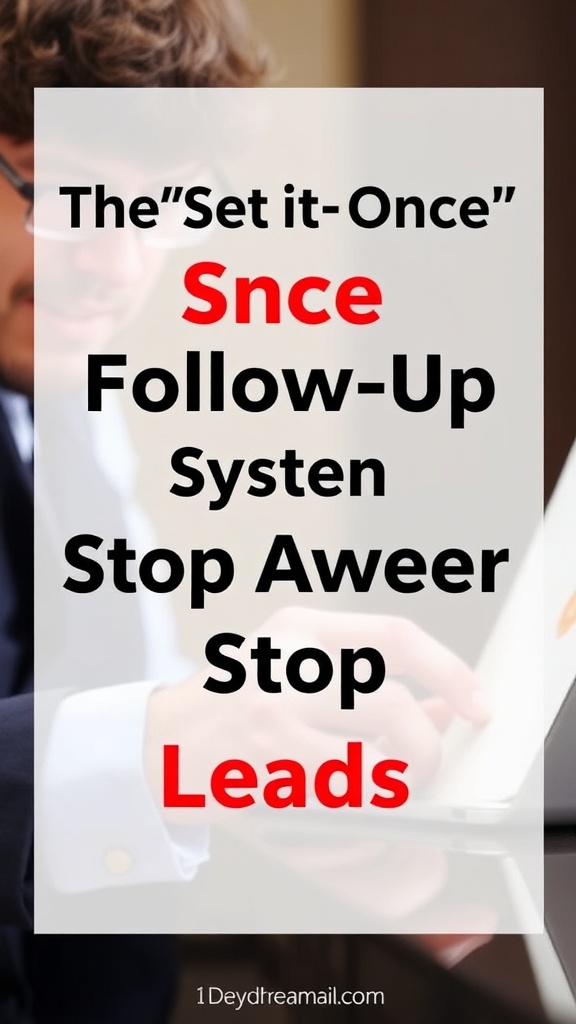
Email Follow Up System: The “Set-It-Once” AWeber Plan to Stop Losing Leads
If you want an email follow up system that actually works, keep it simple:
One opt-in, one welcome sequence, and one weekly email. Most people
don’t need more traffic —They need follow-up that keeps the relationship alive after the click.
TOC block/shortcode at the top

Email follow up system
The real problem isn’t traffic — it’s lost follow-up
Most beginners obsess over traffic.
But the real leak is this:
People click… they leave… and you never see them again.
Not because they hated your offer.
Because you didn’t follow up.
If you fix follow-up, your results change without needing more views.
What is the follow-up supposed to do
Follow-up is not “buy now.”
Follow-up is:
-
Reminding people of the problem they were trying to solve
-
Helping them get a quick win
-
Giving them clarity
-
Making the next step obvious
That’s why email works — it’s the easiest way to build trust at scale.
The AWeber automation I’d build first
If you only build one automation, build this:
Automation: “New subscriber → 7-day trust track.”
Day 0: Deliver the freebie + quick start
Day 1: The #1 beginner mistake (and how to avoid it)
Day 2: A simple framework (content → trust → link → follow-up)
Day 3: A real example (how one email turns into clicks)
Day 4: Tool stack (keep it simple, here’s what matters)
Day 5: Soft offer (what I recommend and why)
Day 6: FAQ/objections
Day 7: Clear CTA (if you want help, start here)
You can write that once and let it run.
Here’s the exact tone I use so it doesn’t feel “salesy.”
I write like this:
-
“Here’s what I learned…”
-
“Here’s what I’d do if I started over…”
-
“Here’s a simple step you can take today…”
-
“If you want the tool I use, it’s here…”
No pressure.
No fake urgency.
Just clarity.
The three emails that drive the most clicks (without hype)
Email Follow Up System: The 3-Part Setup
Email type 1 — The Quick Win
Show them something they can implement immediately.
That’s it.
Example:
“Here are three subject lines that get opened.”
Then give the lines.
Then say:
“If you want the tool I use to build the sequence, here it is.”
Email type 2 — The “What to do next” email
People don’t need motivation — they need a next step.
Example:
“Don’t build a 12-page funnel. Build ONE opt-in page + ONE sequence.”
Then link them to the next step.
Email type 3 — The Objection Crusher
Address what they’re already thinking.
Example:
“I don’t have enough subscribers yet.”
Response:
“Exactly why you set up automation now — so every new subscriber counts.”
What to send weekly once the automation is live
Once your follow-up is running, all you need is one weekly email.
A simple email follow up system works because it removes guesswork.
Once your email follow up system is running, your leads get value even when you’re not online.
Use this structure:
-
Lesson
-
Story
-
Tip
-
Next step link
Official AWeber docs: Learn how email automation works here.
That’s it.
Why I recommend AWeber for this
Because it’s built for:
-
Automations that are simple to set up
-
Lists/segments so you can organize your audience over time
-
A clean experience that doesn’t require you to be “technical.”
You don’t need more features.
You need fewer excuses.
My recommendation
If you’ve been losing leads after the click, build your follow-up once and stop restarting every week.
Try AWeber here: https://melvinleforbes.com/AweberPro
Affiliate disclosure: If you sign up through my link, I may earn a commission (at no extra cost to you). I only recommend tools I believe are worth using.
Stop losing leads after the click. Here’s a simple “set-it-once” AWeber follow-up system with a 7-day welcome automation and a weekly email plan.
EXCERPT:
Traffic isn’t the real problem — lost follow-up is. This post shows a simple 7-day AWeber automation you can write once and let run, plus the weekly email rhythm that keeps trust (and clicks) consistent.